

Get your drums to the note you want.
HeadTune listens to each hit through your phone's microphone and tells you what to do next: how far to tune each head, which lug to tighten, and when it's in.
 Coming soon to the App Store
See it
Each hit shows on the drum as HeadTune hears it, and what to do next is right under it.
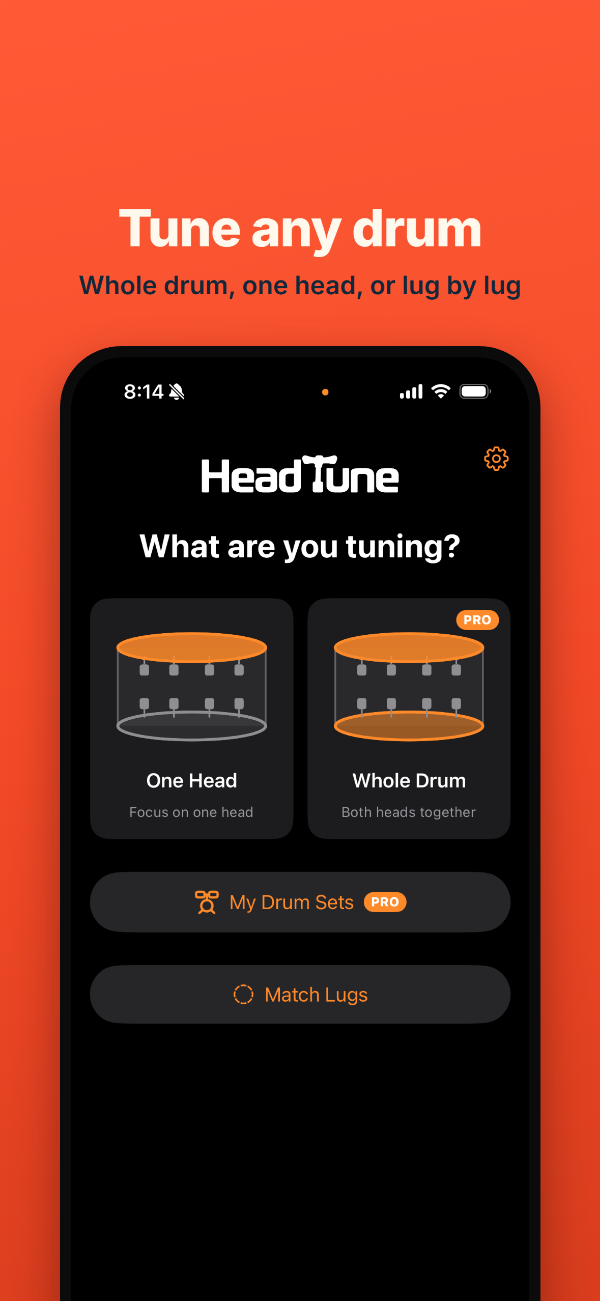
Four ways to tune
Hit the drum. HeadTune does the listening, and the arithmetic.
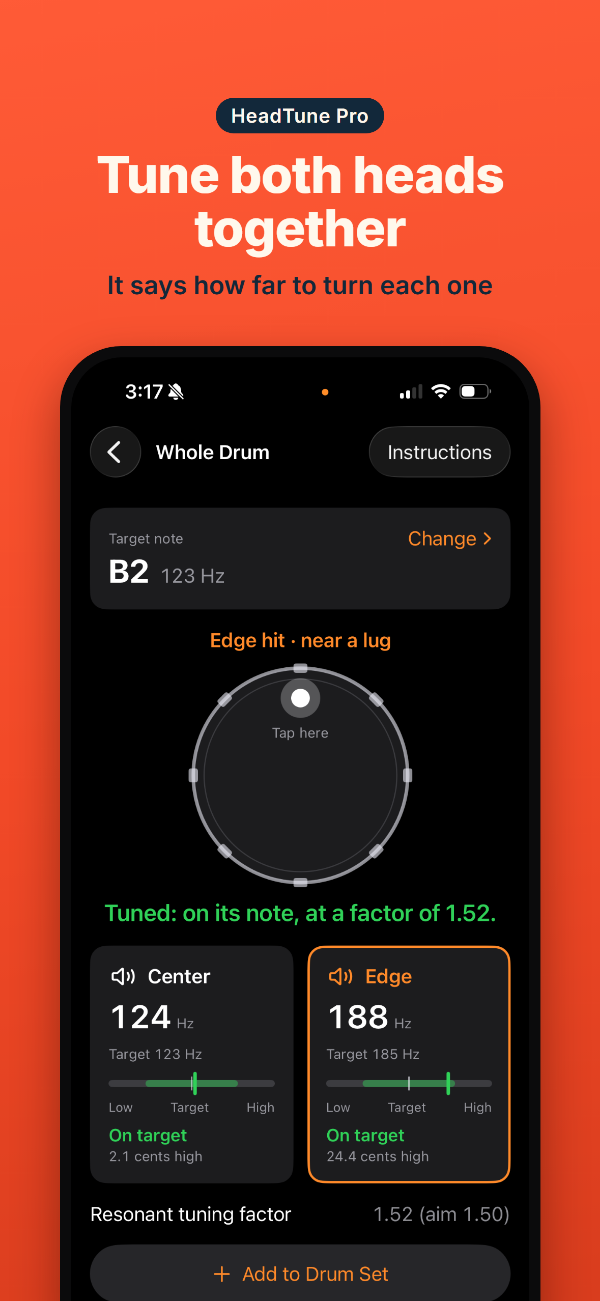
Whole Drum PRO
Pick the drum's note. Hit the center, then near a lug, and HeadTune says how far to tune each head, batter and resonant, allowing for how each moves the other. Repeat until it says Tuned.
My Drum Sets PRO
Set up your own drums, each at the note you want it. Then tune them one after another: Save & Next Drum takes you round the kit. A rock tuning and a jazz one? Duplicate the set.
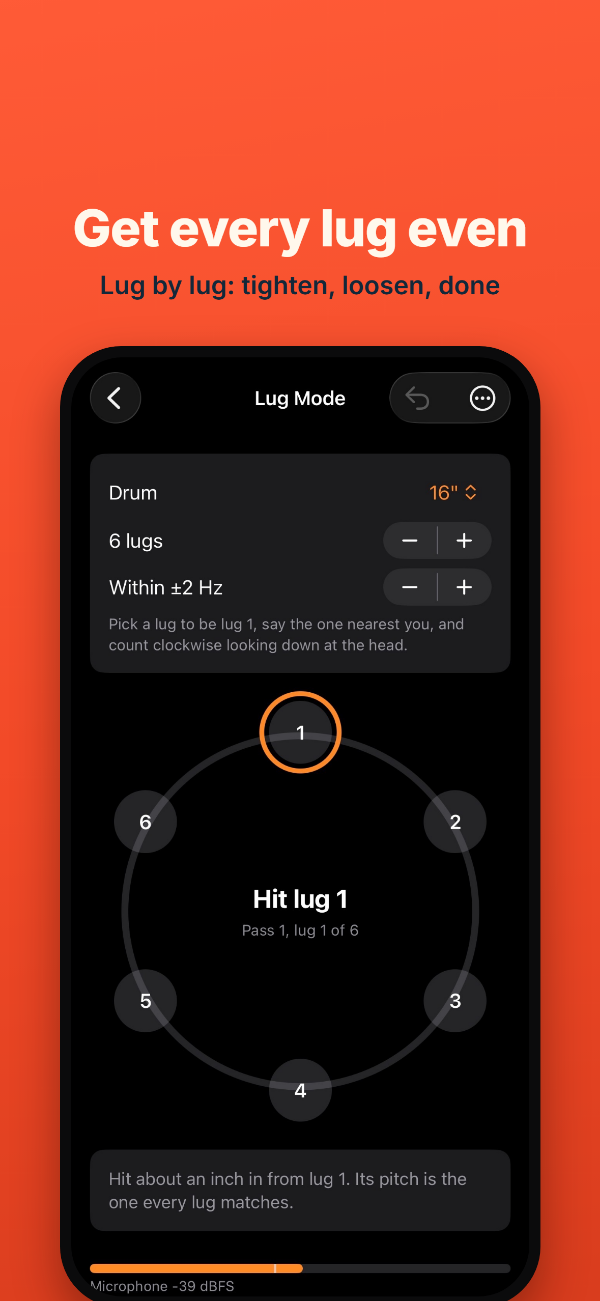
Lug Mode
Get every lug on a head even. Hit by each lug in turn, and HeadTune says tighten or loosen, and by how much, moving on by itself once each one's in.
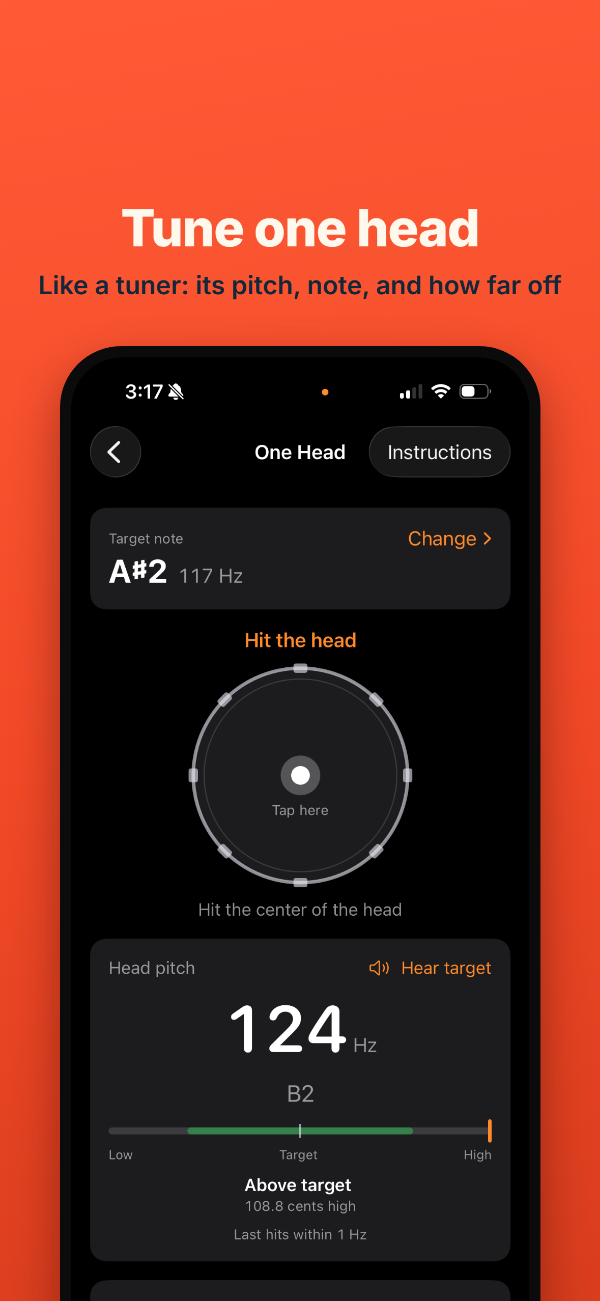
One Head
Tune a single head to a note, like a tuner: its pitch, its note, and how far it is from where you want it. Tap any reading to hear it.
Free to start
One Head and Lug Mode are free. HeadTune Pro adds the two that tune whole drums.
Free
- One Head
- Lug Mode
$0
HeadTune Pro
- Whole Drum
- My Drum Sets
$1.99 a month, $14.99 a year, or $29.99 once
Nothing collected
No account, no ads, no tracking. HeadTune measures your drum on your phone, and nothing it hears leaves it. Privacy policy